IT Outsourcing in der Rhein-Main-Neckar Region
Stylite AG
Rechenzentrum
Wir gestalten IT Lösungen für mittelständische Unternehmen, Verbände und Sozialeinrichtungen.
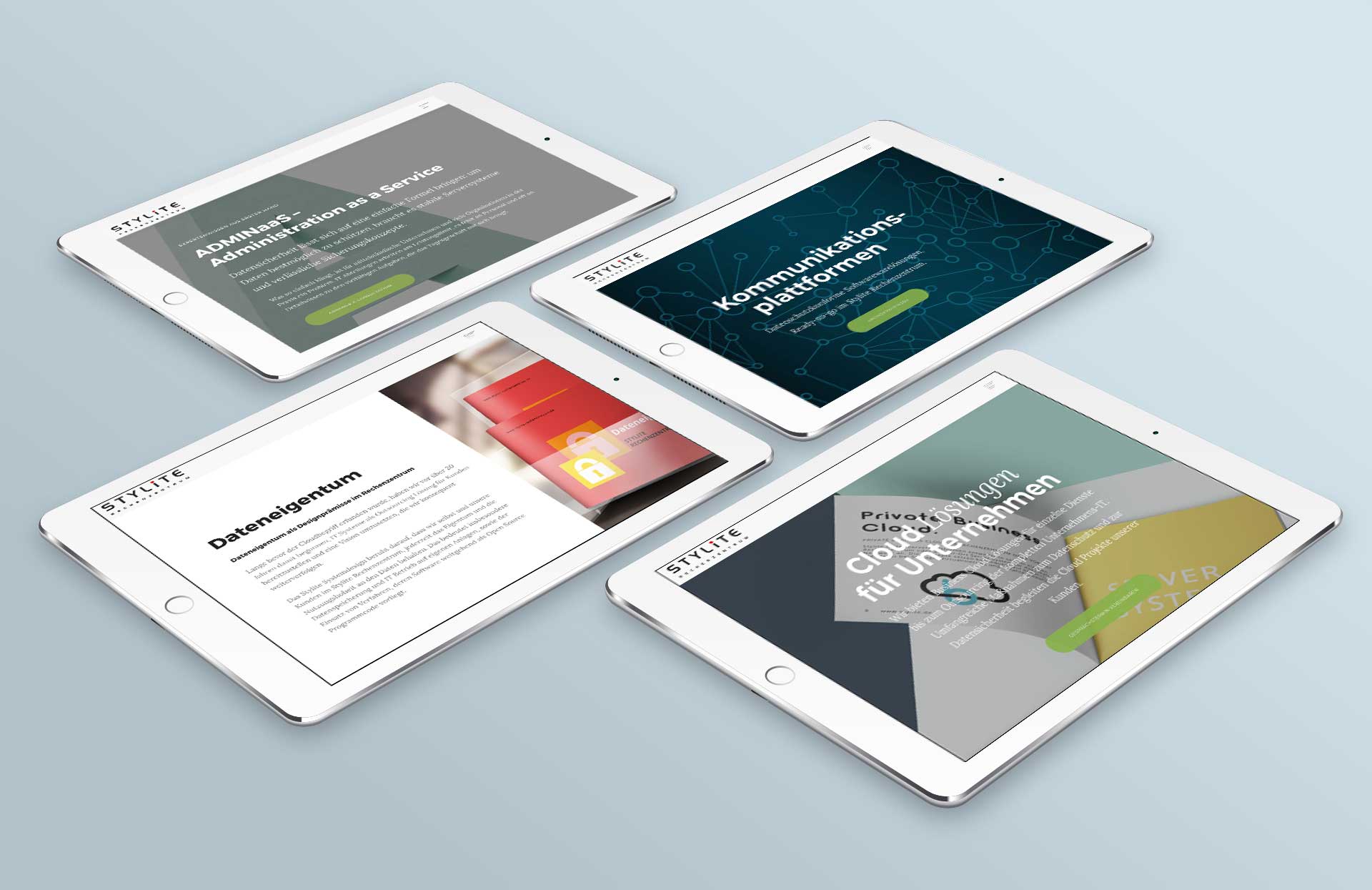
Wir gestalten IT Lösungen für mittelständische Unternehmen, Verbände und Sozialeinrichtungen.
Unser Fokus liegt auf Business Cloud Lösungen für geschäftskritische Anwendungen im Rechenzentrum, sowie Vor-Ort Server Systeme und Sicherheitsinfrastruktur für komplexe Vernetzungsprojekte.
Darüber hinaus sind wir spezialisiert auf datenschutzkonforme Plattformen für das Online Filemanagement und sicheres Chatten im Team. In unserem Kreativbereich gestalten wir Webauftritte für unsere Kunden auf Basis von WordPress.

Der Einstieg in eine neue IT Strategie orientiert sich immer an der Frage, welche Technologien und Verfahren über einen Investitionszyklus Bestand haben werden. Dabei kommt es darauf an, neue Trends zu identifizieren und in ein nachhaltiges IT Konzept einfliessen zu lassen.
Die Durchdringung nahezu aller Lebensbereiche mit IT schafft eine Flut an Informationen, Empfehlungen und Ratschlägen, die es schwer macht, die Idee eines pragmatischen und sicheren IT Betriebs im Blick zu behalten.
Im Fachaustausch zwischen eigener IT Abteilung und unseren Experten erarbeiten wir gemeinsam Lösungen, die neue Trends und moderne Methoden berücksichtigen, aber immer Wert darauf legen, dass das Dateneigentum und der Datenschutz im Mittelpunkt stehen.
Komplexe IT Themen, die ihren Ursprung in den Spezialanforderungen an den Betrieb im Rechenzentrum haben, begleiten uns seit vielen Jahren. Wir bringen dieses Wissen zu Virtualisierung mit VMware, Storage, Netzwerksicherung und Linux gerne in Ihr Projekt ein.
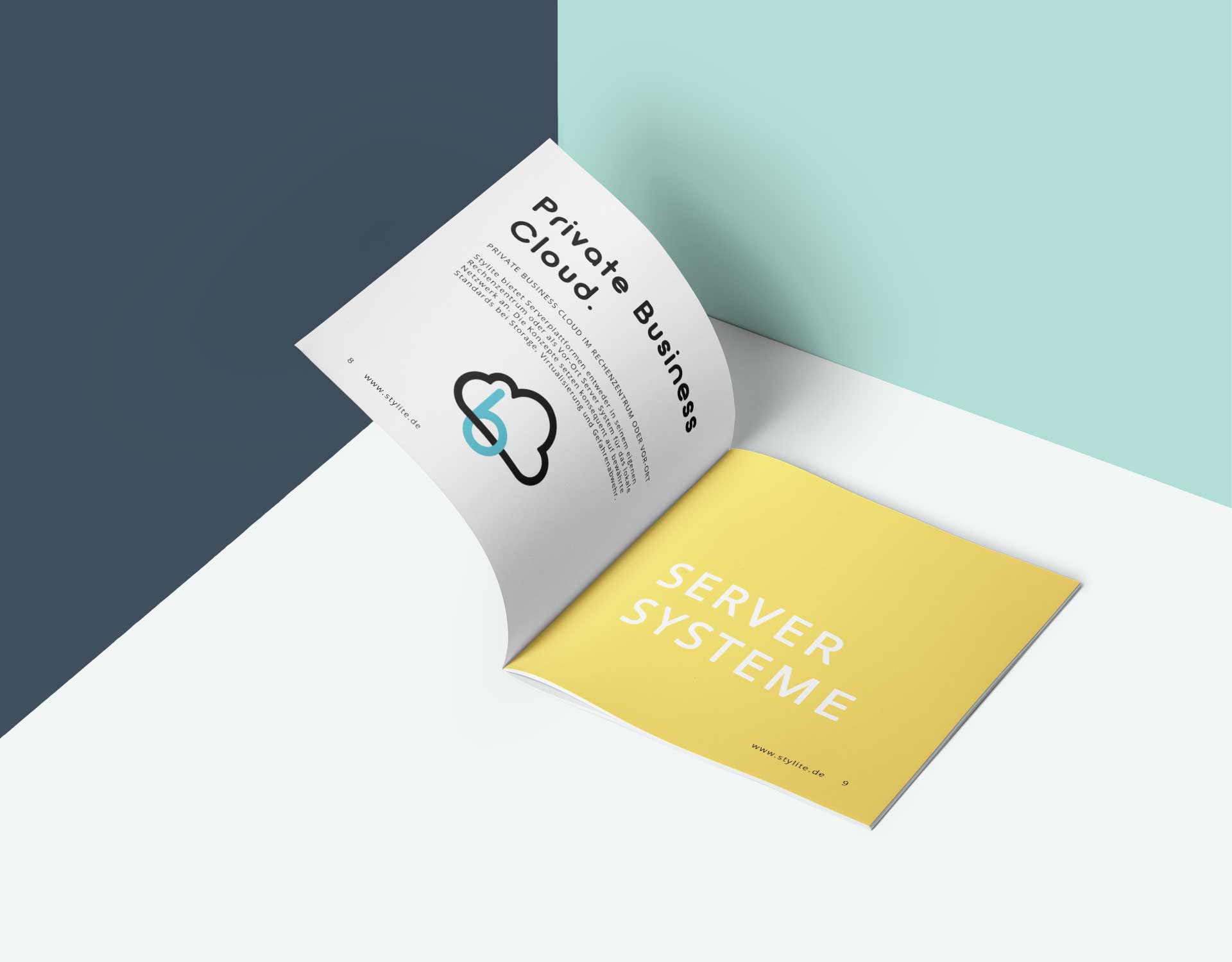
Business Cloud Lösungen im Rechenzentrum oder Vor-Ort.
Ein Virtual Server Pool VSP ist eine Rechnergruppe im Stylite Rechenzentrum auf Basis von VMware.
Dieses IT Konzept ist geeignet für kleine, zeitlich befristete Aufgaben, bis hin zu komplexen Anforderungen bei Outsourcing Projekten, die eine Vielzahl unterschiedlicher Server umfassen können.
Die Stylite Service Management Appliance SMA, ist eine Hardwarelösung, inklusive Storage und Virtualisierung, für den Einsatz im eigenen Unternehmens-Netzwerk.
Als Plattform für Server unterschiedlicher Betriebssysteme, ist die Stylite SMA die optimale In-House Lösung, wenn es auf Flexibilität und Geschwindigkeit ankommt.
Die Sophos UTM Lösungen sind durch Ihren modularen Softwareaufbau mehr als nur eine Unternehmens Firewall, die ausschliesslich den Datenverkehr zwischen Standorten regelt.
Die Idee des Unified Threat Management zielt darauf ab, Bedrohungen aus dem Internet aktiv auf allen Ebenen zu überwachen, wo Verbindungen ins öffentliche Netz bestehen.

Flexible Verteilung von Dateien und Dokumenten, sicheres Chatten für die schnelle Kommunikation mit Partnern und Projektteams, perfekte Außendarstellung mit trendigen Webauftritten mit Hilfe von WordPress.
Nextcloud Hosting für das interne und externe Dateimanagement im Stylite Rechenzentrum
Nextcloud gehört zu den renommierten Open-Source Lösungen für das sichere Datenmanagement in eigener Regie. Das bedeutet, jederzeit die Kontrolle für Daten und die Kommunikation mit Partnern, Teams und im Unternehmen zu behalten.
Das Stylite Rechenzentrum bietet das Hosting Ihrer Nextcloud Datenplattform als Full-Service Paket an.
Mattermost says: security matters most! Chat Hosting im Stylite Rechenzentrum.
Die innovative US Open-Source Lösung ist alternativlos, wenn es um die Frage datenschutzkonformen Chats geht. Befreien Sie Ihr Team von Chatlösungen, bei denen Sie sich nicht sicher sein können, wer Ihre Geschäftskorrespondenz und Nachrichten mitliest.
Das Hosting Ihrer Mattermost Chat Lösung im Stylite Rechenzentrum eröffnet Ihnen alle neuen Möglichkeiten schneller und sicherer Kommunikation.

Sprechen Sie uns an, um baldmöglichst Ihre neue Digitalagenda mit uns zu planen.